I wrote this guide to help you protect a high-end gaming PC and home lab gear from sudden power loss. I focus on reliable units like the CyberPower CP1500FCLCD 1500VA and explain how runtime, outlets, and voltage regulation affect your setup.
A good uninterruptible power supply gives clean output and surge protection so your power supply unit and network gear keep running during outages. I cover tower and rack options, battery backup needs, and how to size a unit for storage and peripherals.
I analyzed test results and real-world use to give practical information. My goal is to help you find a product that offers the right runtime and outlet count to prevent data loss and protect expensive equipment.
Key Takeaways
- Consider runtime and outlet count first to support your entire rig.
- Look for clean output and solid voltage regulation for sensitive PSUs.
- Surge protection and battery quality matter for long-term safety.
- Tower and rack formats fit different gaming and storage setups.
- I recommend checking tested results and real runtime numbers before you buy.
Why Your Gaming PC Needs a Pure Sine Wave UPS
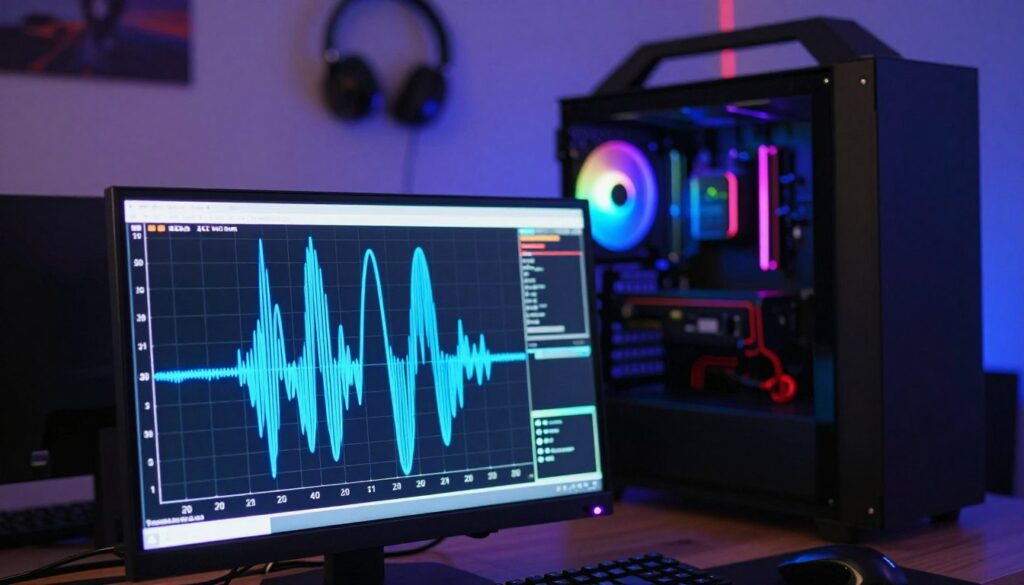
I’ve seen firsthand how a clean electrical feed prevents weird noises and component stress in high-end rigs. A steady supply of clean power keeps GPUs and the power supply unit running smoothly during brief faults.
Understanding Voltage Regulation
Voltage regulation and clean output
Automatic Voltage Regulation (AVR) matters because it trims brownouts and boosts during spikes. Models like the APC BR1500MS use Boost and Trim AVR to hold voltage steady, which protects delicate circuitry and avoids the humming or chirping you hear from cheaper units.
Sizing runtime for orderly shutdowns
A 1500VA unit often gives enough runtime to save work and shut down a gaming PC or a small home lab cleanly. I use a 1500VA model to complete safe shutdowns for my server gear and storage without risking data corruption.
| Feature | Why it matters | Recommended minimum |
|---|---|---|
| Sine wave output | Prevents noise and stress on modern power supplies | Pure sine wave output |
| VA / Runtime | Determines how much time you have to save progress | 1500VA for gaming + basic storage |
| Outlets & form | Supports multiple devices; tower or rack fits location | 8–10 outlets; tower for desks, rack for cabinets |
| Surge protection | Shields expensive equipment during spikes | Built-in surge suppression |
Choosing a unit with reliable battery backup and regulated output gives you time and protection when power events happen. I prefer tower designs for desktop rigs, while rack options suit storage and server bays.
Key Features to Evaluate When Choosing the Best Pure Sine Wave UPS
When I shop for a backup system, I focus on how closely its output matches my PC’s power supply needs.
Understanding voltage regulation
Good voltage regulation keeps your equipment safe during brownouts and spikes. Check the regulation range to see how well a model holds voltage without switching to battery. The Eaton 5SC1500, for example, pairs AVR with a 3-year warranty that covers both the unit and its internal batteries.
Runtime and capacity requirements
Runtime depends on battery capacity and the total power draw of your rig. A 1500VA unit can handle gaming loads and network storage for enough time to save work and shut down cleanly.
- Outlets: Count outputs for PC, monitor, and NAS.
- Batteries: Look for easy replacement to extend device life.
- Surge protection: Verify integrated types to shield during storms.
| Feature | Why it matters | Recommended |
|---|---|---|
| Voltage range | Stability for sensitive supply | Wide AVR range |
| Runtime | Time to save and shut down | 1500VA class |
| Warranty | Protects against battery failure | 3+ years |
Comparing Top Brands for Reliable Power Protection
I compare leading brands to help you weigh runtime, outlets, and warranty before you decide. My goal is to show where each maker shines for gaming rigs and small servers.
CyberPower performance and reliability
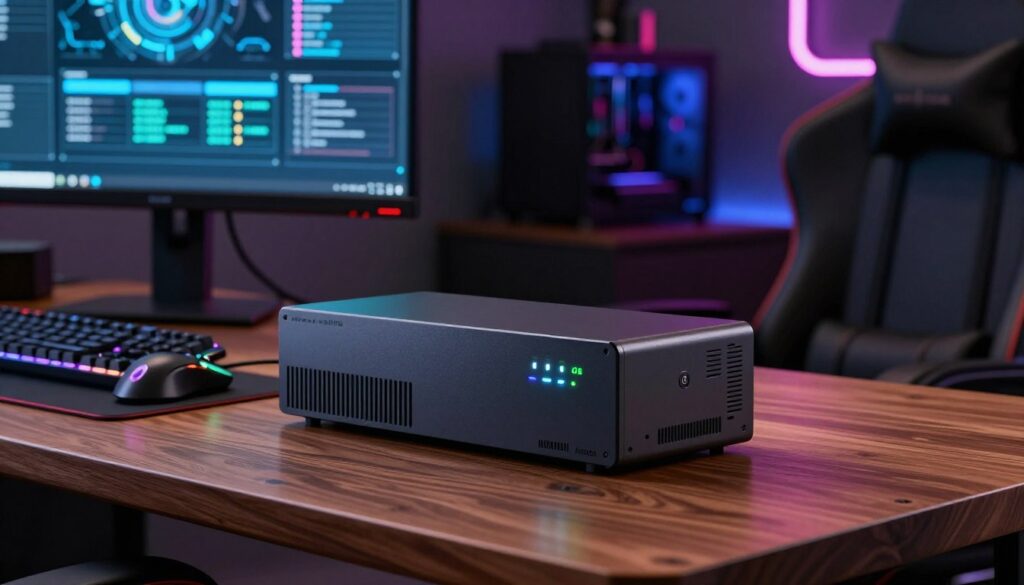
I’ve run the CP1500FCLCD for two years on my gaming PC and Dell T330. It gave steady runtime and noise-free output during short outages.
Key perks: many CyberPower models include about 10 outlets and easy battery swaps for long-term use.
APC design and warranty features
The BR1500MS stands out for its 3-year factory warranty that covers the entire unit, including the battery. APC also handles return shipping for covered repairs.
Why this matters: a clear warranty process saves time and hassle when a battery fails.
Eaton for enterprise-grade stability
The Eaton 5SC1500 is built for long-term stability and delivers a clean sine output for sensitive power supplies. It’s a good pick if you need rack-ready hardware and robust voltage control.
| Brand | Model noted | Typical outlets | Standout feature |
|---|---|---|---|
| CyberPower | CP1500FCLCD | 10 | Reliable runtime; flexible outlet layout |
| APC | BR1500MS | 8–10 | 3-year unit+battery warranty; return shipping |
| Eaton | 5SC1500 | 8 | Enterprise stability; clean output for sensitive gear |
When I compare these brands, I view warranty and runtime as decisive factors. Check surge types, outlet placement, and whether a tower or rack version fits your setup before you buy.
Essential Tips for Maintaining Your Battery Backup System
A few small checks every few months can prevent most failures in a home battery backup setup. I follow a simple schedule to keep my units ready when power events happen.
Monitoring Battery Health
I check battery health on CyberPower and APC models every six months. That helps me decide if a replacement battery is due and preserves runtime for safe shutdowns.
Annual runtime tests are also important. Once a year I unplug nonessential outlets and time how long the unit supports my gaming PC and network gear.
Practical Maintenance Steps
- Keep the device in a clean, cool spot to avoid dust and overheating.
- Manage outlets so you don’t overload the power supply during a switch to battery.
- Log replacement dates for tower or rack batteries to stay ahead of failures.
If you hear chirping or humming, view the status indicators right away. That noise often flags batteries nearing end of life or other faults.
Verify wave output stability periodically to protect sensitive power supply components. Always follow the manufacturer’s guidelines for your exact model to maximize battery life and device reliability.
Conclusion
Selecting the right unit gives you confidence that shutdowns will complete cleanly when power falters. Models such as the CyberPower CP1500FCLCD and APC BR1500MS proved they deliver reliable runtime and true sine wave output for sensitive equipment.
Check the number of outlets, confirm the warranty, and verify battery health before you buy. Regular checks and simple maintenance extend runtime and keep the product ready when you need it most.
Whether you prefer a tower or a rack form factor, pick an uninterruptible power supply that matches your load and space. With the right battery backup you gain solid protection, predictable output, and better results during outages.
FAQ
What does a pure sine output UPS do for my gaming PC?
A unit that provides a clean sine output delivers smooth, consistent voltage that matches utility power. I rely on it to prevent glitches, audio pops, and damage to sensitive components like power supplies and motherboards during brownouts or generator switching. It keeps my rig running without distortion that can occur with simulated output.
How do I size a battery backup for my high-end system?
I start by adding the wattage of my PC, monitor, and networking gear. Then I allow headroom for peak draw—usually 20–30% more. Match that to the device’s VA rating and check estimated runtime charts from brands like APC, CyberPower, or Eaton to find a model that gives the minutes I need for safe shutdown or extended play.
How long will the battery last before I need a replacement?
Battery life varies with use and temperature, but most sealed lead-acid cells last 3–5 years. I monitor charge cycles and runtime decline; when I notice a 20–30% drop in capacity or older age, I plan a replacement. Some manufacturers offer hot-swappable options to avoid downtime.
Can I run my full tower PC and monitor on one unit?
Yes, if the unit’s output rating covers the combined load. I check total wattage and include peripherals like external storage and networking. For high-end GPUs or overclocked rigs, I often choose a model with higher VA and a longer runtime to ensure stable operation during outages.
Are there rack-mounted options if I use a server rack at home?
Absolutely. Brands such as Eaton and APC make rackmount models with the same smooth output and feature sets as tower units. I pick one sized for the rack’s load and consider form factor, cooling, and available outlet types to match my equipment.
What maintenance do these battery backup devices need?
I keep them in a cool, ventilated spot, test them periodically, and run diagnostics when the firmware supports it. Cleaning dust from vents and checking connections help. For replaceable batteries, I follow the manufacturer’s recommended replacement interval and dispose of old cells responsibly.
How important is voltage regulation versus surge protection?
Both matter, but I treat regulation as essential for long-term component health. Voltage regulation smooths out sags and spikes, while surge protection defends against transient events. The best devices combine both for comprehensive protection.
Will a battery backup protect my network equipment too?
Yes. I plug my router and modem into the device to keep internet and online saves active during outages. This also helps remote shutdown software communicate with my PC so I can shut down safely if power loss extends beyond the battery runtime.
How do warranties and support vary by brand?
Warranty length and service differ. APC often includes strong support and multi-year warranties, CyberPower balances value with good coverage, and Eaton focuses on enterprise features and support. I read the fine print for battery coverage and on-site service options.
Is automatic voltage regulation (AVR) necessary for gaming PCs?
I consider AVR important if my local grid experiences frequent sags or spikes. AVR keeps voltage within safe ranges without draining the battery, reducing wear on the system and avoiding unexpected resets during marginal conditions.