
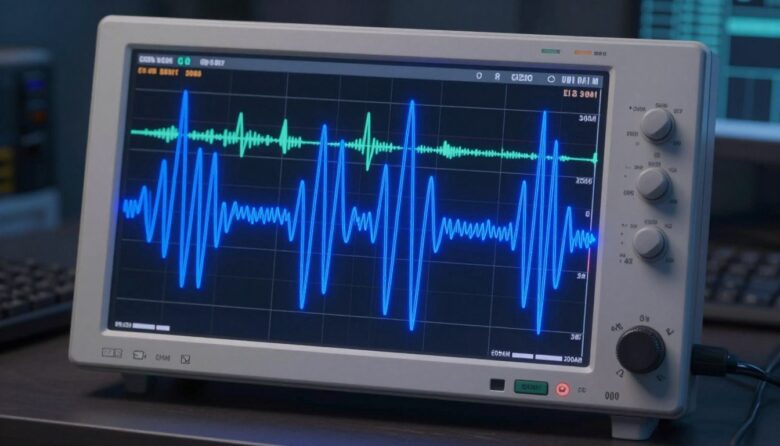
I wrote this guide to help you understand the key differences between a pure sine wave vs simulated sine wave power when running a PC. I will explain how different UPS models and power supplies affect servers, desktops, and other sensitive equipment.
When a power supply meets a distorted waveform, it can struggle to keep stable voltage and may cause shutdowns or cycling. Minuteman’s Endeavor series uses an AC-DC-AC conversion to deliver a true output that helps many modern power supply designs work properly.
What I noticed after testing different UPS waveforms in practice
When I first started using different UPS models, I honestly didn’t pay much attention to waveform type. I assumed any backup would do the job. But after testing both options on the same setup, I noticed that with some units, my PC would run slightly hotter and occasionally make subtle noises under load. That’s when I realized that the quality of the power output can affect how your system behaves over time, even if everything seems to be working.
From my experience, the differences are not always obvious right away. Many systems will run fine on a simulated waveform, especially for short outages. But for longer use or more demanding setups, I prefer not to take chances. I don’t see it as a strict rule, but more as a matter of risk management—the more sensitive or expensive your equipment is, the more it makes sense to invest in cleaner output.
If I had to give one practical tip, it would be to observe your system after installing a UPS. Pay attention to things like fan behavior, noise, or unexpected restarts. These small signs can tell you a lot about how well your setup is handling the power it receives. It’s a simple check, but it helps you catch potential issues early and adjust before they turn into bigger problems.
In my case, the biggest insight came from watching how my system behaved over time, not just whether it stayed on during an outage.