
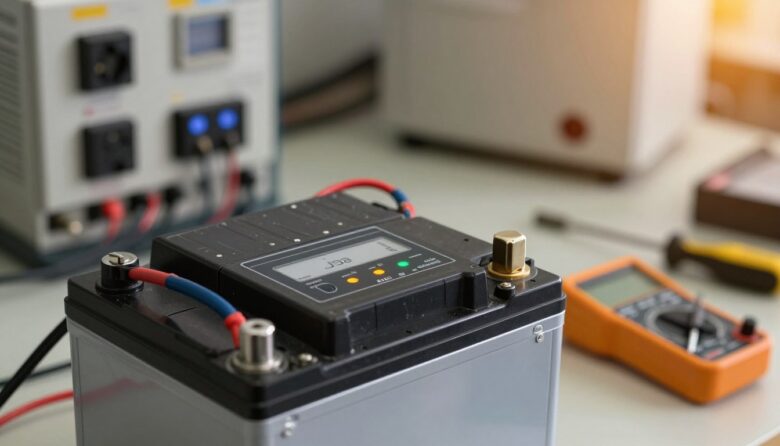
I know how stressful it feels when a backup device fails just as you need it most. I have seen facility teams and IT staff scramble when a critical power system stops protecting data and services.
This article is my step-by-step guide to common ups problems and practical troubleshooting. I will walk you through checks that identify whether the battery or the power supply is at fault.
What I learned from troubleshooting UPS failures in real situations
After dealing with a few units that suddenly stopped working, I realized that the problem is often less dramatic than it first appears. In one case, I assumed the entire system had failed, but after going through the basics step by step, I found that a degraded battery was the only issue. That experience taught me not to jump to conclusions and to always start with simple checks before considering more complex faults.
From my perspective, the biggest mistake is trying to fix everything at once instead of following a clear process. I’ve found it much more effective to check one element at a time—power input, load, battery condition, and logs. This approach not only saves time but also helps avoid unnecessary replacements or risky interventions inside the unit.
If I could suggest one practical habit, it would be to keep track of maintenance and battery age. Knowing when components were last replaced makes troubleshooting much easier and reduces guesswork when something goes wrong. It’s a simple step, but it can make a big difference when you need to act quickly.
In my experience, most UPS issues can be resolved faster when you stay methodical and rely on clear observations instead of assumptions.