
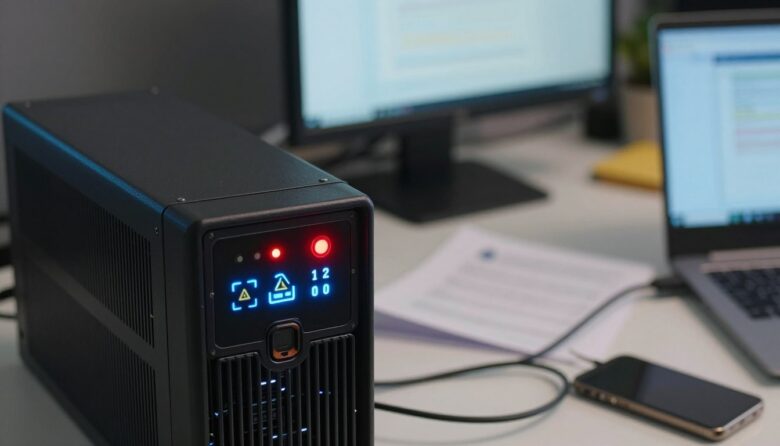
I know how disruptive it feels when a unit starts an alarm loop during critical work. I’ve seen Furman F1000 units that power up, fail initialization, and cycle until unplugged from the AC outlet. That kind of behavior can put your data center gear at risk and waste time.
I wrote this post to give you a clear troubleshooting path. I’ll walk you through checking the power led, examining the battery and voltage readings, and using your management software to view logs. Schneider Electric and APC experts often recommend monitoring ecostruxure or similar control tools as a first step.
What helped me handle recurring UPS alarms in real situations
I’ve dealt with situations where a UPS kept beeping during important work, and at first, it felt like a major failure. In one case, after checking logs and connections, the issue turned out to be something simple: the load had slowly increased over time without me noticing. A few extra devices were enough to push the unit close to its limit, triggering constant alerts. That experience showed me how easy it is to overlook gradual changes in your setup.
From my point of view, these alarms are not just noise—they’re useful signals if you take the time to understand them. I don’t assume the worst anymore when I hear them, but I also don’t ignore them. I try to check logs, review recent changes, and confirm battery condition before taking any action. Most of the time, the cause is something manageable once you break it down step by step.
If I had to give one practical recommendation, it would be to keep a simple record of your setup and any changes you make. Even noting when you add a new device or replace a battery can help you connect the dots faster when something goes wrong. It’s a small habit, but it can save a lot of time and prevent unnecessary stress during unexpected power issues.
In my experience, the fastest fixes came from understanding the system history, not just reacting to the alarm itself.