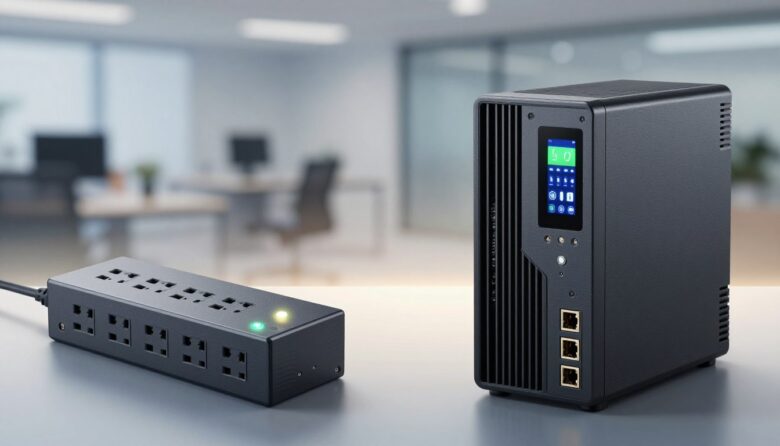
I use a lot of electronics at home, and I know how costly mistakes can be. Renogy and other sources remind us that gadgets are part of daily life and need protection from sudden voltage spikes.
Many homeowners mix up a simple power strip with a device that offers battery backup. I often see this confusion lead to the loss of important files and hours of work.
In this short guide, I will compare common power protection options and explain the technical differences in plain language. My goal is to help you decide whether a basic surge protector will do or if a battery backup is worth the extra cost.
Key Takeaways
- I break down the main functions so you can choose with confidence.
- Protection from spikes and having runtime for outages are not the same.
- A simple device might prevent damage but not save your open work.
- I explain when a battery backup makes financial sense for a household.
- By the end, you’ll know which option fits your devices and budget.
Understanding the Risks of Unstable Power
I’ve seen healthy-looking gadgets fail after a single unexpected electrical event. Unstable power can damage hardware and cost time and money. I recommend thinking about what causes those failures before you buy any protection.
External Causes
External events like lightning strikes can create a massive power surge carrying thousands of volts. That kind of spike can fry circuits instantly.
Internal Causes
Inside the home, large appliances and motors create short bursts when they switch on or off. Refrigerators and air conditioners often cause sudden voltage swings that destabilize your outlets.
“High-powered surges can melt metal components and destroy circuit boards in seconds.”
- Lightning strikes can deliver thousands of volts to your system.
- Appliances with inductive loads cause internal spikes that affect nearby devices.
- Proper power protection devices reduce the risk of melted parts and fried circuits.
| Cause | Typical Effect | Mitigation |
|---|---|---|
| Lightning strikes | Large voltage spike, instant damage | External blocking and grounding |
| Appliance switching | Short voltage swing, flicker or fault | Point-of-use devices and line filtering |
| Grid instability | Prolonged undervolt or overvolt | Whole-home conditioners and surge modules |
Understanding these causes helps you choose the right tools. I favor combining simple measures so your gear survives both big external events and small internal disturbances.
What is a Power Strip
A power strip turns a single wall outlet into several sockets so multiple devices can run at once. I use them to keep chargers, lamps, and small gear organized on my desk.
Most modern strips include a built-in circuit breaker. This safety feature cuts off electricity when the load gets too high and helps prevent overheating or fires.
Keep in mind that convenience doesn’t equal full protection. Many strips do not provide proper surge protection for sensitive electronics.
Always check labels before you buy. Look for clear specs and a listed circuit breaker if you plan to run several devices together.
“A power strip is great for organization, but it is not a substitute for true surge protection when critical gear is at stake.”
- A power strip extends one outlet to several plugs.
- Most include a circuit breaker to stop dangerous overloads.
- They help organize cords but may lack needed surge protection.
Defining the Surge Protector
Protecting sensitive electronics starts with a tool that diverts dangerous voltage away from circuits. I use one at my desk to keep my computer safe during odd line events.
A surge protector absorbs extra current caused by a sudden rise and routes it to ground. This prevents that extra energy from entering your connected devices.
Modern surge protectors come in many shapes. Tower models work well in tight spaces like an RV or a small office. They save space while giving solid power defense.
- Specialized device designed to defend electronics by absorbing sudden spikes in voltage.
- Diverts excess electricity to ground so sensitive hardware is not harmed.
- Available in compact tower and multi-outlet formats for home and mobile use.
| Feature | What it does | Best for | Typical limit |
|---|---|---|---|
| Clamping action | Shunts excess current to ground | Computers, routers | Transient spikes |
| Multiple outlets | Power several devices safely | Home office, entertainment | Desktop setups |
| Tower form | Saves space, adds ports | RV, small desks | Compact installations |
| Indicator lights | Show grounding and protection status | All users | Visual confirmation |
How a Surge Protector Functions
Knowing what limits a device lets through is the best way to avoid damage during an electrical event. I like to think of these units as a gatekeeper for household power.
The Role of Clamping Voltage
Clamping voltage is the maximum voltage the unit will allow to pass to your devices during a rise in line voltage.
If voltage climbs above that level, the internal parts divert the extra energy to ground so connected gear stays safe.
- I use one to absorb extra current caused by a sudden power surge and send it away from sensitive equipment.
- The clamping voltage tells you how much voltage your kit might still see; lower is better for delicate electronics.
- Industry guidance says the clamping voltage should not exceed UL 400 volts for reliable safety against a voltage surge.
- Always check the joule rating and clamping voltage so your protection matches likely electrical events.
“Think of clamping voltage as the floor at which the gate opens to divert harmful energy.”
What is an Uninterruptible Power Supply
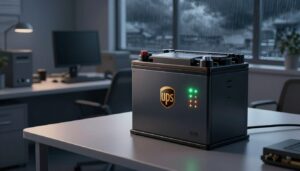
Keeping critical gear online during outages starts with understanding how battery backups work. An uninterruptible power supply is a compact system that provides immediate power when the main line fails.
I rely on one for my desktop so I can save work and shut down cleanly.
Core Components
Rectifier: Converts AC from the wall into DC to charge the batteries.
Batteries: Store energy that will feed your equipment when the mains drop.
Inverter: Changes DC back to AC so your devices keep running without interruption.
A static bypass can switch the load back to utility power if the internal system has a fault. That keeps equipment powered while the unit is serviced.
Types of UPS
- Standby — basic, switches to battery when power fails; good for home computers.
- Line-interactive — corrects minor voltage swings and offers longer ride-through time.
- Double-conversion — continuously regenerates clean power; best for sensitive servers and equipment.
“A UPS gives you time to save files and prevents abrupt data loss during power outages.”
| Component | Function | Best for |
|---|---|---|
| Rectifier | AC to DC conversion, charges batteries | All UPS types |
| Batteries | Store energy for ride-through time | Computers, routers, network gear |
| Inverter | DC to AC conversion for connected devices | Devices needing continuous power |
| Static bypass | Routes load to utility if internal fault occurs | Systems requiring high availability |
Surge Protector vs. UPS: Key Differences
Choosing the right line defense can save hardware and hours of work when power acts up.
I’ll keep this simple. A surge protector uses a metal oxide varistor (MOV) or a gas discharge arrestor (GDA) to divert excess current to ground.
That action shields your gear from short, high-voltage events. It does not store energy. If the mains fail, a protector alone cannot keep your computer or router running.
A UPS provides continuous power during outages by switching to battery-backed output. I use a UPS when I need time to save files and shut down safely.
Note: many battery units include basic spike defense, but a dedicated surge protector often gives stronger transient clamping. For whole-home defense you can also mount a surge protector at the circuit breaker panel to divert large excess voltage before it reaches sensitive devices.
“The primary difference is clear: one shields from spikes, the other keeps things running.”
- Shielding: MOV or GDA diverts harmful voltage to ground.
- Backup: Battery units supply immediate power when the wall fails.
- Placement: Point-of-use units and panel-mounted devices serve different roles.
Identifying Signs of Power Surges
A sudden buzz or a faint burning odor near an outlet is a red flag you shouldn’t ignore.
I watch for a few clear signs that tell me a power surge has hit my home. Flickering lights and odd sounds near outlets are two of the first things I notice.
Look for scorch marks, discoloration around an outlet, or a sharp burning smell. These mean a voltage spike or a larger voltage surge may have occurred.
- Buzzing sounds near outlets or a burning odor.
- Flickering light bulbs or tripped breakers after a spike.
- Scorch marks, damaged outlet faces, or nonworking appliances.
“High-powered surges can melt metal components and wires, leaving devices permanently inoperable.”
| Sign | What it indicates | Immediate action |
|---|---|---|
| Buzzing at outlet | Loose wiring or transient event | Unplug devices and call an electrician |
| Flickering lights | Voltage fluctuation | Inspect circuits and monitor further events |
| Scorch marks | Past high-energy event | Replace outlet and check connected appliances |
Tip: I inspect outlets after any odd event. Catching these signs early helps protect costly gear and keeps your home safe.
When to Use a Surge Protector
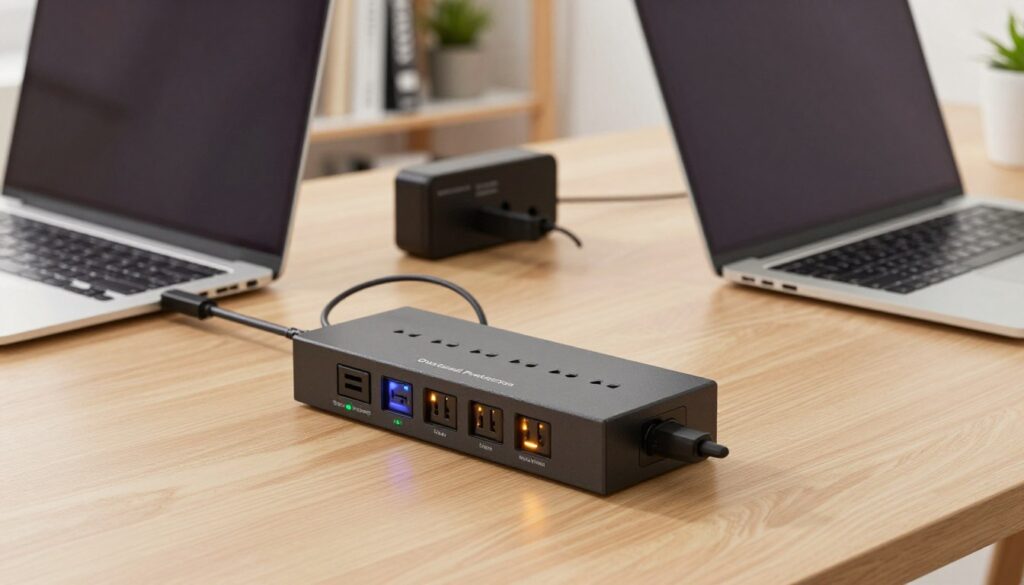
When your air conditioner or washer matters, it pays to add a defense at the plug. I recommend a surge protector for costly electronics like refrigerators, HVAC units, washing machines, and computers.
Why choose this device? It diverts sudden high voltages away from sensitive circuitry. That reduces the chance of damage when the line spikes.
If you face occasional outages, a battery backup may help, but a protector is often the right call when your main concern is hardware safety rather than runtime.
- Use a device at the outlet for expensive appliances and electronics.
- Unplug the unit when not in use—it’s not a substitute for home wiring.
- Point-of-use protection is a cost-effective layer against fire risks from voltage events.
“A dedicated protector at the plug saves many devices from one unexpected line event.”
| Item | Recommended Use | Reason |
|---|---|---|
| Computer / Router | Point-of-use device | Protects data and delicate electronics |
| Air Conditioner | Dedicated surge protectors | Prevents motor and control board damage |
| Washing Machine | Outlet-level protection | Safeguards control modules from spikes |
When to Use a UPS
If losing files or abrupt shutdowns cost you time, I recommend a battery-backed unit as insurance.
I reach for a ups when I need a reliable power supply during outages or brownouts. It gives me time to save work and perform a controlled shutdown. That prevents file corruption and abrupt hardware stress.
Use a UPS when continuity matters: desktop PCs, small servers, and networking gear that must stay online for a short interval. It also helps when voltage sags make equipment unstable.
“A short blackout should not mean lost work — battery backup buys the minutes you need.”
- Choose a unit sized to the load; overloading a ups makes it shut down immediately.
- An ups surge protector combo adds transient defense and ride-through time for critical loads.
- Where power outages are common, a battery-backed supply keeps operations running and data safe.
| Situation | Why use a UPS | Note |
|---|---|---|
| Short blackout | Controlled shutdown to save files | Match runtime to your need |
| Brownout / low voltage | Stabilizes power until grid returns | Line-interactive models help |
| Critical network gear | Maintains uptime for hours or minutes | Do not exceed rated wattage |
Combining Both Devices for Maximum Protection
A layered setup gives the best defense for sensitive gear. I pair a battery backup with point-of-use transient defense to cover both outages and harmful line events.
This combo handles two risks: the battery supply keeps devices running during short blackouts, while an outlet-level device diverts harmful voltage away from equipment during spikes.
I recommend this approach in storm-prone areas or in commercial sites where even a brief interruption can cost time or money. It also helps when lightning strikes or grid outages are common.
Important safety note: do not plug a surge protector into a battery backup. That chained connection can overload the inverter and cause the battery to fail or the unit to operate inefficiently.
“Combining a battery backup and a point-of-use defense gives broad coverage—but install them correctly to avoid creating new risks.”
- Use both devices for maximum security against surges and outages.
- Apply this setup in offices and critical systems that need uninterrupted power.
- Avoid chaining a protector into an ups to prevent overload and battery drain.
Safety Guidelines for Power Protection
Small choices—where you place gear and how you maintain it—have a big impact on safety. I treat power protection devices like household appliances: keep them dry, ventilated, and easy to access.
Placement and Maintenance
Place battery-backed units upright indoors. An upright position in a dry area helps heat dissipation and extends service life.
Do not cover the unit or tuck it into a closed cabinet. Blocking airflow raises temperature and can degrade the power supply or batteries.
I avoid chaining multiple power strips into a single outlet or into a ups. Plugging several strips together creates overload risk and can cause a fire.
- Always follow manufacturer instructions for installation and periodic checks.
- Use a dedicated outlet for heavy loads and avoid using a protector as a substitute for proper wiring.
- Inspect cords and outlets regularly for heat, discoloration, or odd smells.
- Perform maintenance on both surge protectors and ups units so they keep providing reliable protection and power.
“Proper placement and simple upkeep prevent most equipment failures and reduce safety hazards.”
The Role of Joule Ratings
Think of the joule number as a fuel tank: it shows how much energy a device can absorb from bad power before it stops working.
I check this rating whenever I buy in-line protection. The joule rating drops after each power event, whether it is one big spike or many small voltage hits.
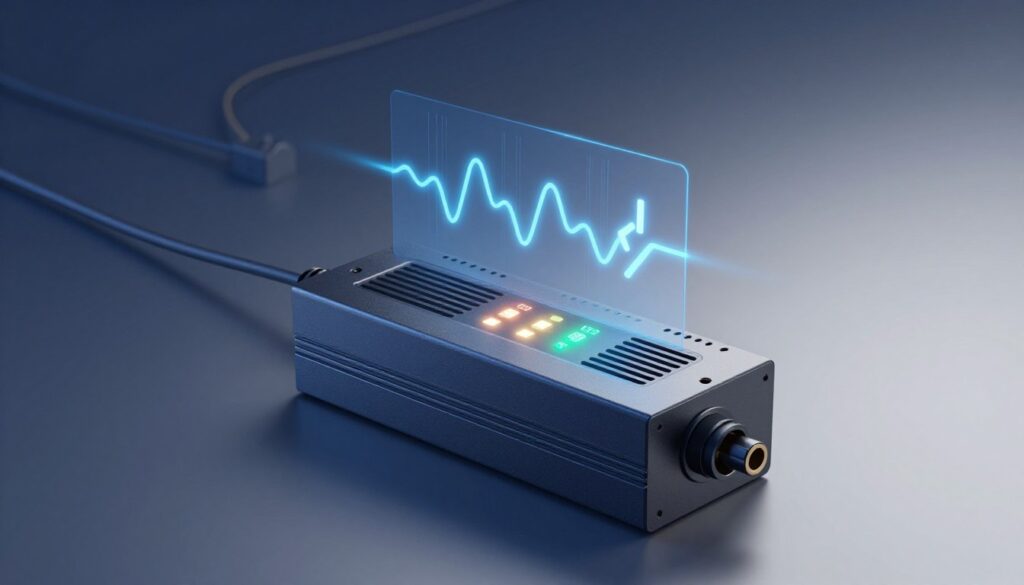
Why it matters: a higher joule rating usually means better defense and longer life. In areas with frequent power surges, a larger rating gives extra margin against damaging events.
- The joule rating tells you how much energy the unit can absorb before failing.
- Ratings deplete over time as the device handles spikes and minor events.
- Replace devices periodically so your gear stays protected from future voltage hits.
“A worn-out unit can look normal yet offer little real protection—watch the joule number.”
| Joule Range | Typical Use | Replacement Tip |
|---|---|---|
| Below 500 J | Small electronics, lamps | Replace every 2-3 years or after known events |
| 500–1500 J | Computers, home entertainment | Good balance of cost and protection |
| 1500+ J | Large appliances, whole-home defense | Best for areas with frequent power surges |
Choosing the Right Device for Your Computer
For my desktop, the risk isn’t just hardware damage—it’s the files and time I could lose. I choose protection that covers both the physical parts and the data I work on.
A point-of-use protector defends sensitive components from high voltage hits. It lowers the chance of circuit board failure and keeps costly parts safe.
However, a protector does not supply electricity. When the mains drop out, only a battery-backed unit keeps a computer running long enough to save work and shut down cleanly.
- I recommend a battery backup for PCs when data loss would be costly or downtime impacts productivity.
- Use a combined approach: a point-of-use protection device plus a battery unit gives both spike defense and runtime.
- Match the unit to the load so your computer, monitor, and router can stay online for the minutes you need.
| Device | Main Benefit | Best For |
|---|---|---|
| Outlet-level protector | Shields hardware from high voltage events | Peripheral safety and component lifespan |
| Battery backup (ups) | Prevents data loss by supplying power during outages | Desktop computers and short-term runtime needs |
| Both combined | Full coverage: spike defense + ride-through time | Home offices and critical workstations |
“A reliable battery backup gives you the minutes to save work and shut down gracefully.”
Modern Solar Generators and Battery Backup
Portable power stations have moved beyond camping toys; they now act as serious backup systems for modern homes.
The Renogy Lycan 5000 is an example with 4.8kWh expandable to 19.2kWh and a 10-year battery life. These units offer a quiet, clean alternative to gas generators for many appliances.
In UPS mode, many modern stations switch to battery power in about 20 milliseconds. That fast transfer prevents sudden power loss to connected equipment and helps you know power surge risks are addressed.
I like that these systems include over-current, short-circuit, and over-temperature protection. Combined, those features reduce damage from power surges and voltage spikes while keeping a steady power supply to sensitive gear.
Practical benefits:
- Expandable battery capacity for longer runtimes.
- Quick switching to battery to avoid abrupt shutdowns.
- Safe operation for home outlets and common appliances without engine noise.
“A modern solar generator can act as an ups surge protector and a reliable battery backup for emergency power.”
Advanced Power Protection Solutions
For high-value systems I lean toward solutions that clean and regenerate the electrical waveform, not just react to it.
An online double-conversion unit continuously converts incoming AC to DC and then back to AC. That creates a clean, stable output and gives real-time monitoring of voltage changes.
These models cost more, but they deliver the highest level of ups surge defense and steady uninterruptible power for sensitive computers and appliances.
- An online double-conversion ups surge system supplies a clean sine wave and watches voltage constantly.
- It provides superior surge protection and uninterruptible power, ideal for critical equipment and data integrity.
- I’ve found they reduce the risk of loss during outages, though batteries and maintenance add to lifecycle cost.
- These systems deliver a reliable power supply over time, protecting your investment from complex electrical disturbances.
“For mission-critical gear, continuous conversion and monitoring are the best defense.”
Conclusion
Your choice hinges on how often power outages occur and how sensitive your devices are. I weigh risk against cost and pick the simplest solution that protects my data and hardware.
For most homes, surge protectors provide effective point-of-use defense against spikes and keep routine gear safe. If losing work or downtime matters, I recommend you use UPS to buy minutes for a clean shutdown.
In business or critical setups, choose a combined approach—think protector vs. vs. ups as complementary, not competing. Good power protection is a long-term investment that saves equipment and peace of mind.
FAQ
What’s the main difference between a surge protector and a UPS?
A surge suppression device guards against sudden voltage spikes that can damage electronics, while an uninterruptible power supply adds battery backup so I keep running during outages. One focuses on voltage spikes; the other provides temporary power and often includes surge suppression too.
Do I need both devices for my home office computer?
I recommend both when I care about data and uptime. The battery unit prevents abrupt shutdowns and data loss; the protective device absorbs transient spikes from lightning or grid switching. Used together, they offer the best defense.
How do external events cause unstable power?
External causes include lightning strikes, utility switching, and grid faults. These events create sudden increases or drops in voltage that can damage power supplies and electronics if I don’t protect them.
What internal problems can lead to power issues?
Internal causes include overloaded circuits, faulty wiring, large appliances cycling on and off, and poor grounding. These create spikes and brownouts inside my home that can harm sensitive gear.
Is a basic power strip the same as a protective device?
No. A standard strip only expands outlets. It doesn’t clamp voltage or provide battery backup. If I want protection, I need a device with suppression components or an integrated battery.
How does a protection device actually stop a spike?
It uses components like metal-oxide varistors (MOVs) to divert excess voltage away from connected electronics. The clamping voltage determines when the device activates to shunt the excess energy safely to ground.
What is clamping voltage and why does it matter?
Clamping voltage is the threshold at which suppression components start diverting excess energy. Lower clamping numbers mean better protection for sensitive equipment; I look for devices with a low, clearly specified rating.
What are the core parts of a battery backup unit?
A UPS contains a battery, inverter, charger, and transfer circuitry. Together they store energy, convert it to AC power, and switch over instantly when utility power falters so my devices stay on.
What types of UPS units are available?
Common types include standby (offline), line-interactive, and double-conversion (online). Standby is basic, line-interactive offers voltage regulation, and online gives the cleanest consistent power — I choose based on sensitivity and budget.
How can I tell if my home experienced a spike recently?
Signs include flickering lights, tripped breakers, damaged power supplies, or electronics that behave oddly after storms or appliance cycling. If I see scorch marks at outlets or sudden device failures, I investigate further.
When is a suppression device usually enough?
For TVs, lamps, and noncritical appliances, a quality surge unit often suffices. If I don’t need backup run time but want to prevent damage from spikes, a protective device with a good joule rating will do the job.
When should I choose a battery backup instead?
I use a UPS for desktop computers, NAS drives, network gear, and medical devices where sudden shutdown causes data loss or risks hardware. If I need time to save work or perform a controlled shutdown, a UPS is essential.
Can I use one device to get both protections?
Many UPS models include suppression features, so a single UPS can offer both battery backup and transient protection. I still add a dedicated protective unit for whole-home coverage or high-joule staging if needed.
Where should I place these devices and how do I maintain them?
I put them away from heat and moisture, on stable surfaces, and avoid daisy-chaining with other strips. I test batteries annually and replace UPS batteries per manufacturer guidance. Dust and loose connections shorten their life.
What does the joule rating tell me?
Joules measure how much energy a device can absorb before failing. Higher numbers mean more capacity to handle repeated events. I pick higher joule ratings for valuable or many connected devices.
How do I choose the right protection for my computer?
I calculate total wattage, decide on required runtime for safe shutdown, and check equipment sensitivity. For desktops, a line-interactive or online UPS with built-in suppression and sufficient VA/watt rating usually fits best.
Do modern solar generators replace traditional battery backups?
Solar generators with integrated storage can act like a UPS for off-grid or backup scenarios, but I verify fast transfer times and pure sine-wave output before relying on one for sensitive electronics.
What advanced solutions exist for critical setups?
For servers and sensitive medical gear, I look at enterprise-grade double-conversion UPS systems, whole-home surge panels, and professional power conditioning. These products offer lower transfer times, tighter regulation, and higher durability.