
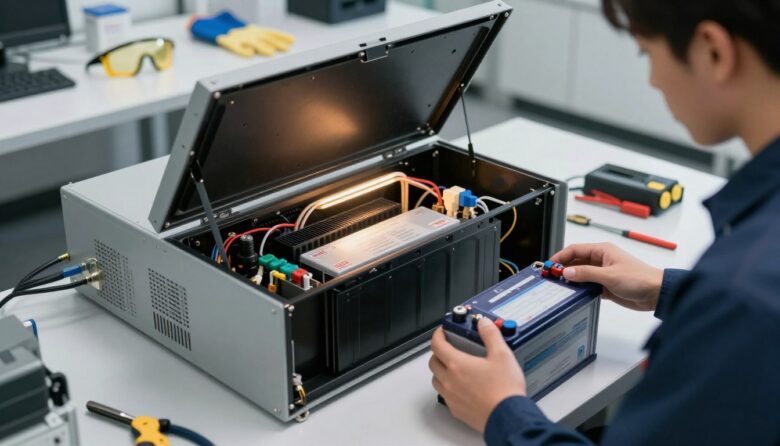
I’ll walk you through a clear, step-by-step guide so you can safely replace the internal cell in your UPS without risking your connected devices or equipment. I write from practical experience and will keep instructions simple and focused.
Most sealed lead-acid units last about three to five years, so timely maintenance keeps your backup power ready when you need it. I’ll explain the right tools, how to follow the manual, and how to access the battery compartment on common models.
What made battery replacement easier and safer for me over time
The first time I replaced a UPS battery, I was more nervous than I expected. Even after reading instructions, I realized that the biggest challenge wasn’t the process itself, but staying organized. In one case, I disconnected the terminals too quickly and had to stop to double-check the wiring because I hadn’t documented it properly. Since then, I always take a photo before touching anything, because having a clear reference avoids simple mistakes that can delay the process.
From my experience, the key is not rushing. Even though the steps are straightforward, small details like correct polarity, firm connections, and proper shutdown make all the difference. I don’t assume everything will go perfectly, so I move carefully and double-check each step before moving forward. This approach has helped me avoid issues and feel more confident working with these systems.
If I could give one practical tip, it would be to plan the replacement before you start. Have your tools ready, clear your workspace, and know where the old battery will go after removal. It sounds simple, but being prepared reduces stress and helps you complete the process safely without interruptions.
In my experience, a calm and organized approach makes battery replacement much safer than trying to rush through it.