I live in an area where outages hit almost daily, and I worry about my gaming rig. My system usually pulls about 600 watts, so I am eyeing a 650-watt pure sine wave backup unit to protect it.
I want to know if a flawed backup device might harm my computer’s internal power supply. Sudden cuts and poor output waveforms feel risky. I ask if a mismatch or fault could shorten the life of my expensive hardware.
In this introduction I will outline what to watch for and what affects safety. I will explain how a backup unit interacts with your supply and what sizing matters. That way I can decide if a 650-watt model suits my setup and local outages.
Key Takeaways
- Match backup wattage to your system’s peak draw with a small safety margin.
- Pure sine output reduces stress on sensitive components.
- Frequent outages increase the need for a reliable backup strategy.
- Faulty units may cause unstable power; test and monitor regularly.
- Choosing the right unit helps protect your computer and its power supply.
Understanding the Role of a UPS in Your Setup
A backup unit’s job is simple: keep my system running long enough to save work and power down cleanly. A reliable unit protects sensitive parts from abrupt interruptions and odd voltage swings.
What is a UPS
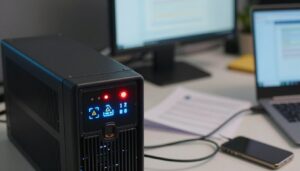
An uninterruptible power supply gives emergency power to my computer when the main power fails. Unlike a generator, it takes over instantly so I have time to close apps and shut down safely.
How the Inverter Works
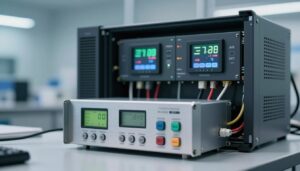
The inverter, battery, and surge protector are the core components in many standby models. The inverter stays idle until a problem appears.
When mains voltage drops or cuts out, the battery feeds the inverter. The inverter then converts DC back to AC to keep voltage steady. For an example, the battery sits charged so it is ready whenever I need those few minutes.
- Immediate backup: avoids sudden shutdowns.
- Short bridge time: enough to save files and switch sources.
- Quality matters: pure sine or sine wave units reduce stress on sensitive power supplies.
Can a Faulty UPS Damage PC Components and Power Supplies?
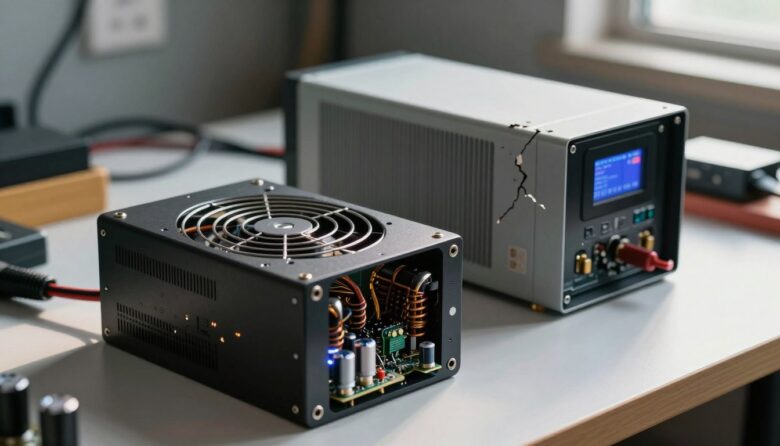
When a backup unit fails, the resulting power irregularities may harm sensitive hardware. I worry most about my internal power supply and the hard drives that store my work.
Sudden loss of power can interrupt active processes. That leaves files half-written and risks corruption.
The drive head may park improperly during a cut, creating tiny physical faults over time. Repeated events shorten a drive’s life.
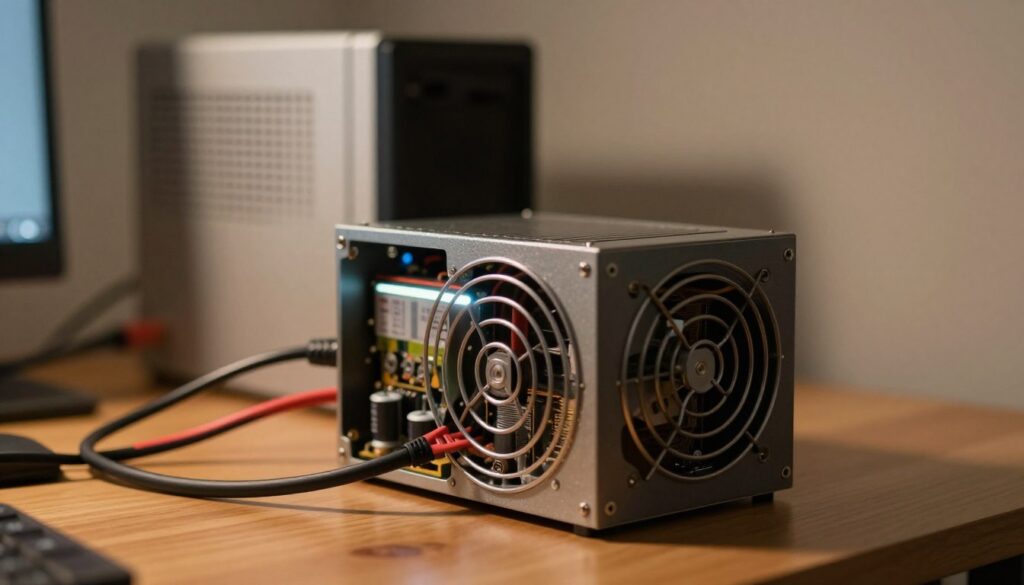
“Use a reliable unit and test it. A bad backup can expose your system to unstable line power.”
- Surge protectors help, but they do not replace a healthy backup device.
- If the backup delivers odd waveforms, the power supply may strain and heat up.
- In regions with frequent outages, I prefer a pure sine model to reduce risk.
| Risk | What I See | Simple Fix |
|---|---|---|
| Corrupted files | Interrupted writes | Use shutdown software and regular backups |
| Drive wear | Head mispark on cuts | Stable power and testing |
| Supply strain | Irregular line voltage | Pure sine backup and monitor logs |
Common Power Anomalies That Threaten Your Hardware
Not all interruptions are dramatic; some wear parts out slowly. I watch for three main threats that strain my system and the internal power supply.
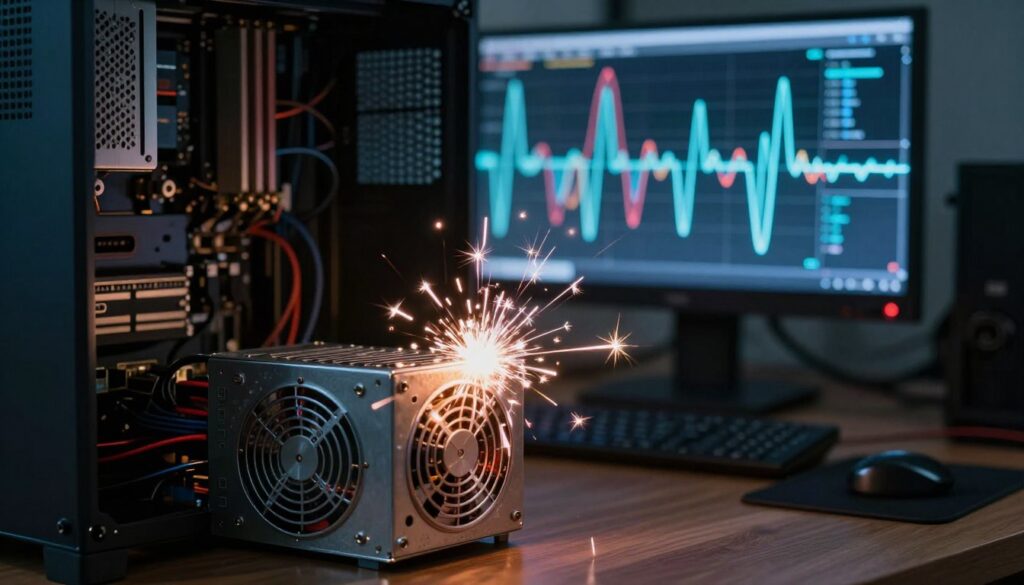
Brownouts and Sags
Brownouts lower voltage for a stretch of time and leave equipment in limbo between on and off.
This creates heat and stress inside the supply, especially when motors or GPUs keep drawing current. A surge protector plugged into the wall helps with spikes, but it does not stop prolonged low voltage events.
Power Surges and Spikes
Surges flood circuits for more than three nanoseconds; spikes last one to two nanoseconds.
These quick bursts overload parts and can cause immediate failure. Lightning is the worst example—surges from an outside line can travel through data or cable lines and fry devices.
Electromagnetic Interference
EMI adds noise to the line and makes a computer shut down or behave oddly.
Shielding and high quality devices that stabilize input help protect the internal power supply and nearby parts. Over time, this prevents unexpected failure and preserves my work and hardware.
“Use quality protection and monitor line events; small anomalies add up more than a single outage.”
Benefits of Using a Pure Sine Wave UPS
A pure sine output keeps sensitive electronics happy when line quality slips. I prefer units that supply steady voltage so my rig doesn’t struggle with odd input.
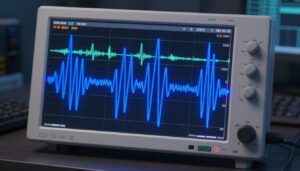
Clean waveform matters: a pure sine wave reduces electrical noise and lowers thermal stress in power supplies and other parts. That prevents premature wear and supports stable operation during brownouts and brief interruptions.
Protection from spikes: a quality unit also guards against a surge by smoothing short bursts and preserving downstream circuits. That reduces the chance of a sudden failure and cuts the risk of corrupted work.
“Pure sine output gives modern devices the steady input they need to run reliably.”
- Provides clean, consistent power to my computer until I save and shut down.
- Stabilizes input so internal parts run cooler and last longer.
- Buys time to avoid data loss when the mains drop out.
Essential Configuration Tips for Maximum Protection
A few key settings decide whether a power event becomes a simple hiccup or a real failure. I treat setup as part of the hardware investment.
Install and configure the recovery software that comes with your unit. I set the shutdown threshold so the computer begins safe termination well before the battery reaches low.
Next, verify the software will receive notifications and show activity post-event. That helps me confirm the device acted as expected and that no hidden issues remain.
Practical checklist
- I make sure surge protectors are plugged directly into the wall outlet, not into extension strips.
- I never overload the unit; that protects the internal power supply and other parts.
- During storms I unplug the backup when I am away for long periods to prolong battery life.
- If you have a pure sine wave unit, double-check voltage and waveform settings so the supply receives clean power during a failure.
“Good settings buy time to save work and prevent needless hardware stress.”
Conclusion
I want a simple outcome: my system survives outages and my work stays safe.
Choose a quality pure sine wave unit so the power supply gets clean, steady electricity. That lowers stress on delicate parts and reduces the chance of sudden failure.
Use a surge protector at the wall and pair it with a battery backup. Configure recovery software and test the setup so the computer shuts down with time to spare.
With these steps, I protect drives, keep components cooler, and avoid needless repairs. Good setup and routine checks keep my devices running through frequent outages.
FAQ
What causes a faulty UPS to harm a computer’s power supply?
I see failures arise when an unregulated inverter or worn battery produces irregular voltage or high-frequency noise. Cheap line-interactive units can switch poorly during an outage, creating voltage steps or waveform distortion that stress the internal power supply. Repeated exposure shortens component life or triggers immediate failure if the input crosses protective thresholds.
What is a UPS and how does it protect my equipment?
A UPS is a backup power device that provides temporary energy and surge suppression during outages. It filters some electrical problems, holds a battery to bridge interruptions, and signals systems to shut down safely. The level of protection depends on design: standby, line-interactive, or online double-conversion units offer increasing isolation and waveform quality.
How does the inverter inside a UPS affect waveform quality?
The inverter converts battery DC to AC when mains fail. Lower-cost models often produce a stepped or modified sine wave; higher-end models output a true, smooth sine. A poor inverter waveform can introduce harmonics and spikes that the power supply must cope with, increasing heat and electrical stress.
Can certain power anomalies damage internal components beyond the power supply?
Yes. Severe brownouts, sustained sags, and high-energy surges can damage motherboards, SSDs, and other components. A failing protective device in front of a system can let harmful transients through, or an unstable UPS output can propagate noise that affects data integrity and electronics longevity.
What are brownouts and sags, and why should I worry?
Brownouts and voltage sags are drops in line voltage that last from cycles to minutes. I worry because most PSUs tolerate short dips, but prolonged low voltage forces them to draw more current, run hotter, and operate outside design margins—raising the chance of failure or data corruption.
How do power surges and spikes threaten hardware?
Surges are sudden overvoltage events that can puncture transient suppression components or melt traces. A quality surge protector or an online double-conversion unit with robust surge handling reduces risk. If the protector is worn or the UPS offers poor clamping, devices downstream remain exposed.
Can electromagnetic interference (EMI) from a UPS cause problems?
EMI and high-frequency noise from cheap inverters or aging components can interfere with sensitive circuits and audio/video gear. Filters and proper grounding mitigate this. I recommend units with EMI/RFI suppression for setups with audio, networking, or precision equipment.
Why choose a pure sine wave model for my desktop or workstation?
Pure sine wave output most closely matches wall power and prevents harmonic distortion inside the PSU. I prefer pure sine units for gaming PCs, workstations, and systems with active PFC power supplies because they run cooler and more reliably when fed a clean waveform.
How should I configure software and shutdown settings with a backup unit?
Install the UPS vendor’s management software and set graceful shutdown triggers: battery percentage, runtime remaining, or time after outage. Test the sequence to ensure the OS and apps close cleanly. Proper configuration prevents file loss and reduces stress on hardware during forced power transitions.
What maintenance keeps a backup device reliable and safe?
Replace batteries per the manufacturer’s schedule, test self-diagnostics periodically, and avoid cheap surge protectors as primary defense. Keep firmware updated and monitor logs for repeated transfer events—frequent switching hints at upstream issues or failing UPS components.
Are there regions or situations where I should take extra precautions?
Yes. Areas with frequent outages, unstable grids, or lots of electrical noise benefit from online double-conversion units and whole-site surge protection. I also add dedicated surge protectors at the panel for lightning-prone regions to reduce stress on downstream equipment.
How do I pick the right model for my computer and peripherals?
Match continuous power and peak load to your system, choose pure sine output for active PFC PSUs, and look for reputable brands like APC, CyberPower, or Eaton. Consider battery runtime, surge rating, and features such as network management and automatic voltage regulation.
Can a failing UPS actually cause immediate catastrophic failure?
In rare cases, yes—if a component shorts or a surge suppressor fails catastrophically, it can pass destructive energy to connected devices. More commonly, damage accumulates over time from heat, noise, and repeated poor transfers, so proactive maintenance matters.
What signs indicate my backup device is becoming a liability?
Buzzing noises, frequent transfer events, swollen batteries, unexpected shutdowns, and increased error logs all signal trouble. If I see any of these, I disconnect nonessential gear and arrange a replacement or repair promptly.
Are wall surge protectors sufficient without a backup unit?
Surge protectors provide some defense against spikes but offer no runtime or consistent voltage regulation. For critical systems, I combine a surge protector with a quality UPS that provides filtering, battery backup, and clean waveform output.