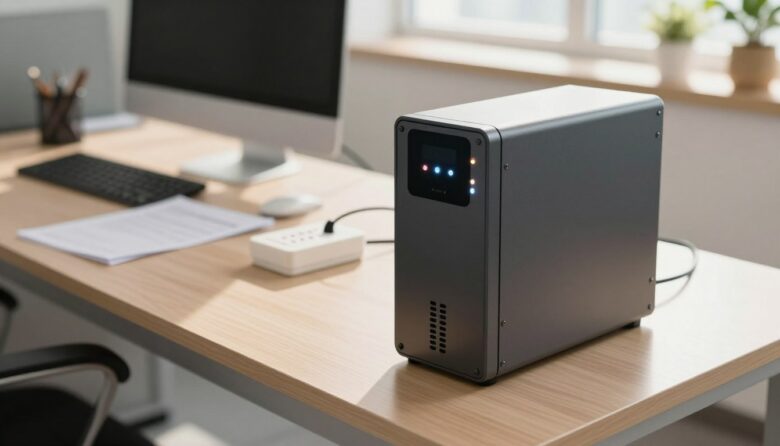
I know your uninterruptible power supply is a key investment for your home or office. I want to help you extend its lifespan with clear, practical steps that protect your devices and backup capacity.
Modern UPS systems include surge protection and prevent momentary voltage spikes, but the battery life can still vary from three to ten years depending on conditions.
I focus on simple maintenance, health monitoring, and proper management of voltage and temperatures. These actions reduce common issues and improve overall performance.
My guide covers battery chemistry, regular checks, and tips to keep your system ready for outages. Follow these steps and you can avoid frequent, costly replacements while keeping backup power reliable.
Key Takeaways
- Regular maintenance and monitoring boost battery health and system performance.
- Control temperatures and voltage to protect batteries and extend service time.
- Understand battery chemistry and capacity to choose the right replacement.
- Surge protection helps, but routine checks prevent most common issues.
- Good management of your power supply saves money and protects devices.
Understanding the Role of Your Uninterruptible Power Supply
Understanding how your battery and inverter team up is the first step to caring for your power system. I use clear terms so you can protect your devices and get reliable backup power when outages hit.
The primary role of this uninterruptible power supply is simple: provide steady power to critical appliances during a mains failure. Inside, the battery stores DC energy. An inverter converts that DC into AC so your equipment keeps running.
Knowing this operation helps you spot the key factors that affect life ups. The performance of the ups battery ties directly to how well the system is managed.
“A healthy battery and a well-maintained inverter are what prevent unexpected downtime.”
- Battery health feeds overall system performance.
- Proper management reduces stress on the inverter and power supply.
- Learn basic checks so your backup is ready when you need it.
Strategic Planning to Extend UPS Lifespan
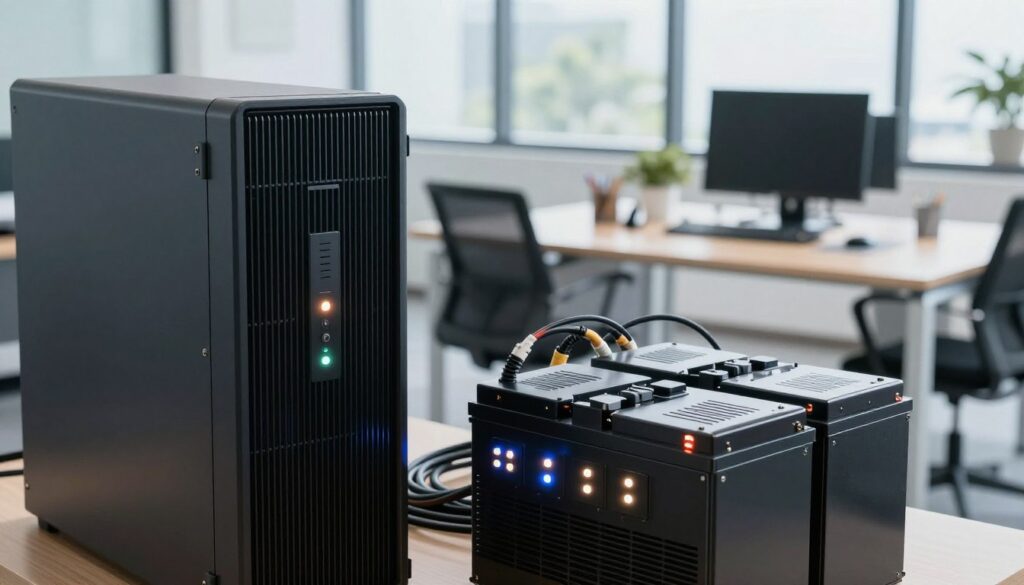
I start by checking the real power needs of my home or office. A quick inventory of appliances and their watt ratings shows the total electrical load. That lets me size the system so the battery and inverter do not run at full tilt all the time.
Assessing Your Total Electrical Load
I list every device and its watt draw. If the sum is 1250 watts, I choose a system rated between 1500 and 2000 watts.
This margin reduces frequent discharge cycles and keeps the battery in healthier condition over time.
Selecting the Right Battery Chemistry
Choosing battery chemistry matters. VRLA batteries usually last three to five years.
Li-ion batteries often offer five to ten years of service. I weigh cost, quality, and the temperature range of my location when I decide.
“High-quality batteries and proper sizing prevent early failures and save money in the long run.”
- Monitor the status of your ups battery so you can replace it before failure.
- Account for ambient temperatures when choosing batteries and planning maintenance.
- Prefer reputable brands and check capacity ratings to match your power needs.
| Battery Type | Typical Years | Best For |
|---|---|---|
| VRLA (lead-acid) | 3–5 years | Budget systems, moderate temps |
| Li-ion | 5–10 years | Higher energy density, varied temps |
| Quality Factors | N/A | Manufacturer warranty, build, testing |
Best Practices for Daily UPS Maintenance
I keep daily checks simple so your backup power stays ready when you need it. Small, routine steps protect the battery and the whole system.
Good maintenance is about prevention. I check the battery status at least once a month to spot swelling, leaks, or unusual wear.
Optimizing Your Installation Environment
I keep my unit in a well-ventilated, temperature-controlled room. Cooler, stable temperatures help batteries perform better and reduce premature issues.
I never place the system in direct sunlight or high humidity. Those conditions accelerate corrosion and damage battery cells.
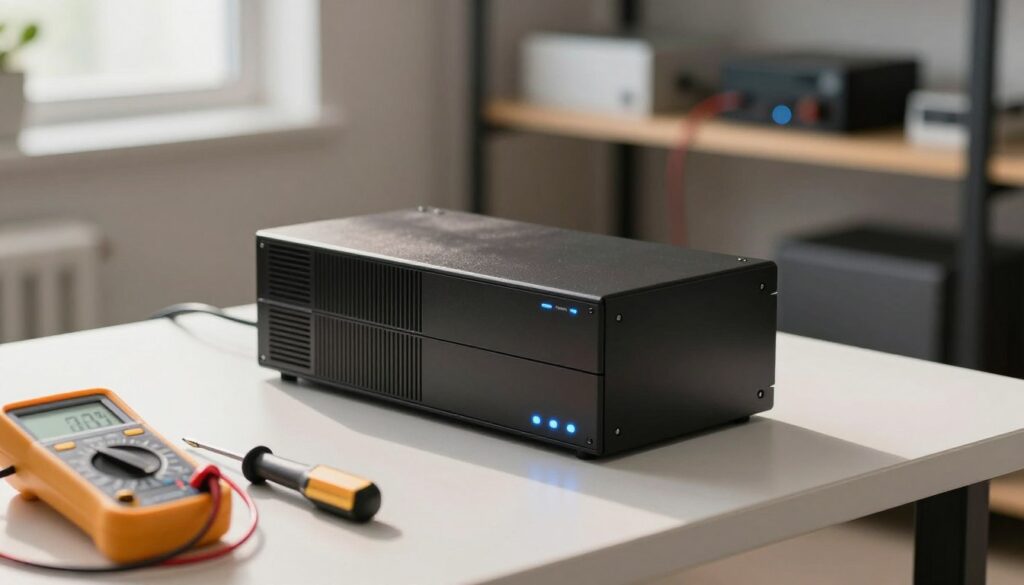
- Charge schedule: If not in use, I charge the ups battery every three to six months to prevent deep discharge.
- Routine care: Clean terminals, tighten connections, and keep vents clear to maintain good air flow.
- Load management: I avoid overloading the system so the battery does not discharge too fast and reduce its useful life.
| Task | Frequency | Why it matters |
|---|---|---|
| Visual inspection of batteries | Monthly | Detect swelling, leaks, or corrosion early |
| Charge if idle | Every 3–6 months | Prevents deep discharge and maintains battery health |
| Clean terminals and vents | Every 3 months | Ensures good contacts and cooling for the system |
| Check load and status | Monthly | Avoids overloading and identifies performance issues |
Advanced Battery Management Techniques
I rely on precise discharge tracking and climate control to safeguard my backup system. These advanced steps stop avoidable failures and keep power available when outages occur.
Monitoring Depth of Discharge
I watch depth of discharge closely because deep cycles wear a battery fast. I set alerts for high discharge events and avoid repeated drains below recommended levels.
Tip: perform regular capacity checks and occasional full-charge cycles to keep the battery chemistry stable.
Implementing Regular Professional Inspections
I schedule a pro inspection at least once a year. A technician can test electronics, firmware, and the ups battery under load to find hidden issues.
“Professional testing, such as load and transfer tests, confirms your system will perform during an outage.”
Managing Temperature and Ventilation
Temperature matters. I keep batteries near 20-25°C because higher temperatures cut useful years quickly.
I ensure good ventilation and avoid enclosed hot spaces. For lead-acid batteries, stable temperatures are especially important to protect capacity and performance.
| Technique | Action | Benefit |
|---|---|---|
| Depth of Discharge Monitoring | Set alerts; log cycles | Reduces degradation and preserves capacity |
| Professional Inspection | Annual load and firmware checks | Finds hidden faults before outages |
| Temperature Management | Maintain 20–25°C; ventilate | Improves performance and battery health |
| Battery Management System (BMS) | Install BMS for diagnostics | Predictive alerts and protection |
Final Thoughts on Maintaining Your Power Backup System
My final advice centers on steady care and smart choices for your power supply. Keep routine monitoring and simple maintenance in your schedule. These actions protect your battery and the whole system at home.
Watch temperature, check capacity, and test batteries regularly. I recommend annual professional checks to catch issues before they cause downtime. Quality parts and good management pay off over years of use.
Follow these steps and you can keep ups batteries and related devices ready when outages happen. Thank you for reading—use this information to keep your backup power dependable.
FAQ
What are the most important tips to extend the lifespan of my uninterruptible power supply?
I recommend keeping the unit in a cool, dry spot, avoiding direct sunlight and sources of heat. I also suggest checking battery connections regularly, following the manufacturer’s charging schedule, and using a surge protector for connected equipment. Regular monitoring and timely battery replacement are key to maintaining performance and capacity.
How does an uninterruptible power supply actually protect my devices?
A UPS provides instantaneous backup power during outages and stabilizes voltage during brownouts or spikes. It gives me time to save work or shut down sensitive devices safely. Many models include built-in surge suppression and voltage regulation to protect electronics and maintain consistent power quality.
How do I assess my total electrical load when planning UPS capacity?
I start by listing all devices I want protected and checking their wattage or VA ratings. I add up the totals, include a safety margin of 20–30%, and choose a UPS with sufficient VA and battery runtime for my needs. Don’t forget to account for future devices and the efficiency rating of the UPS.
Which battery chemistry should I choose for my power backup system?
Lead-acid (sealed VRLA) batteries are common and cost-effective for home and small office setups. Lithium-ion offers longer life, higher energy density, and better temperature tolerance but at a higher price. I weigh upfront cost, expected years of service, and the operating temperature of my environment before deciding.
What daily maintenance should I perform on my UPS?
Each day I visually inspect the cabinet for dust, check indicator lights or status screens, and ensure ventilation is clear. I review alarm logs if available and confirm the battery charge level. Simple checks prevent small issues from becoming system failures.
How can I optimize the installation environment for my battery system?
I keep the room temperature stable—ideally between 20–25°C (68–77°F)—and maintain good airflow around the unit. I place the UPS on a level, vibration-free surface and avoid damp basements or garages. Clean, dry air and consistent temperature greatly improve battery performance and service life.
What is depth of discharge and why should I monitor it?
Depth of discharge (DoD) is the percentage of battery capacity used during a discharge cycle. I monitor DoD because deeper discharges shorten battery life. Keeping DoD moderate and recharging promptly after use helps preserve capacity and extends the number of usable cycles.
How often should I have professional inspections performed?
I schedule professional inspections at least once a year for small systems and twice a year for critical or high-use environments. Technicians can run load tests, check internal components, and perform preventive maintenance that I might miss during routine checks.
What steps help manage temperature and ventilation for better battery performance?
I install the UPS in a well-ventilated room, avoid enclosing the unit in tight cabinets, and use climate control where possible. If temperatures rise above recommended limits, I use fans or air conditioning to lower heat, since high temperatures accelerate battery degradation.
How long can I realistically expect lead-acid batteries to last in a home backup system?
With proper care—controlled temperature, limited deep discharges, and regular maintenance—sealed lead-acid batteries typically last 3–5 years in home setups. Usage patterns, ambient temperature, and charge management can push that range shorter or longer.
What monitoring tools should I use to track my battery health?
I rely on the UPS’s built-in status panel, network management cards, and vendor software to view charge level, runtime estimates, and alarm history. External battery monitors and thermal sensors add extra insight, especially for larger installations.
Can frequent short outages harm battery life more than occasional long outages?
Frequent short discharges can wear batteries faster because each discharge-recharge cycle consumes part of the battery’s finite cycle life. I prefer to limit unnecessary discharges by using power conditioning and by reducing reliance on the battery for small, transient issues.
How do I know when a battery needs replacement?
I replace batteries when runtime drops noticeably, when capacity tests fail, or if the manufacturer’s recommended service interval is reached. Swollen cases, leaks, or persistent alarms are clear signs to replace cells immediately.
Are there quality brands or models I should consider for reliable backup power?
I look for reputable brands like APC by Schneider Electric, Eaton, CyberPower, and Tripp Lite. These manufacturers offer models across price and capacity ranges, reliable customer support, and widely available replacement batteries and parts.
What should I do during long power outages to preserve my battery system?
I reduce load by shutting down nonessential devices, prioritize critical equipment, and avoid repeated deep discharges. If outages are frequent, I consider adding a generator or upgrading to a system with larger battery capacity or lithium-ion chemistry.
How can I improve overall performance and capacity without replacing the whole system?
I optimize connected loads, upgrade to higher-capacity battery packs if supported, and ensure firmware for the UPS is current. Regular cleaning, tightening of terminals, and periodic recalibration tests also help maintain peak performance.
Does battery quality affect the number of years I can expect from my backup system?
Yes. Higher-quality batteries and cells with tighter manufacturing tolerances typically deliver better cycle life and more consistent capacity over time. I invest in quality batteries and follow the vendor’s maintenance guidelines to maximize service years.
How do ambient conditions like humidity affect my battery and system health?
High humidity can corrode terminals and promote internal faults, while very dry air can increase static risk. I keep the environment dry and clean and use dehumidifiers where necessary to protect contacts and internal electronics.